MacroKeyboard
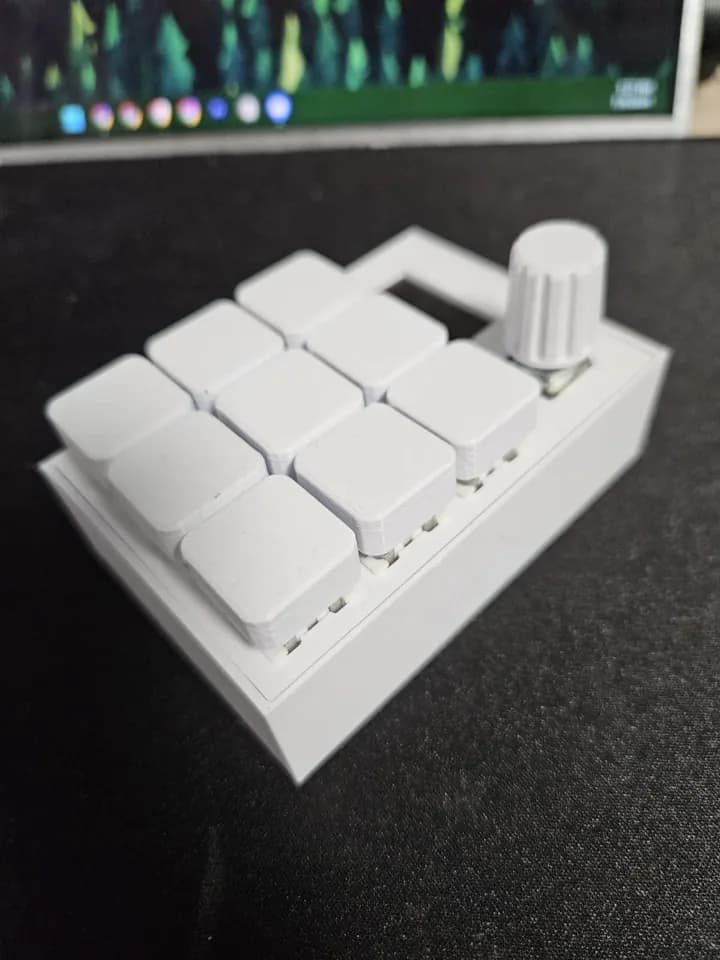
The MacroKeyboard-MFMKWCM project integrates a USB HID keyboard with an OLED display to create a versatile input/output device. It offers programmable key functions, real-time display of system information, volume control, and even a built-in Dino game, all powered by CircuitPython.
- ROLE
- Hardware, CircuitPython
- DISPLAY
- SSD1306 OLED system info + Dino game
- STACK
- Python · CircuitPython · Adafruit · Fusion360
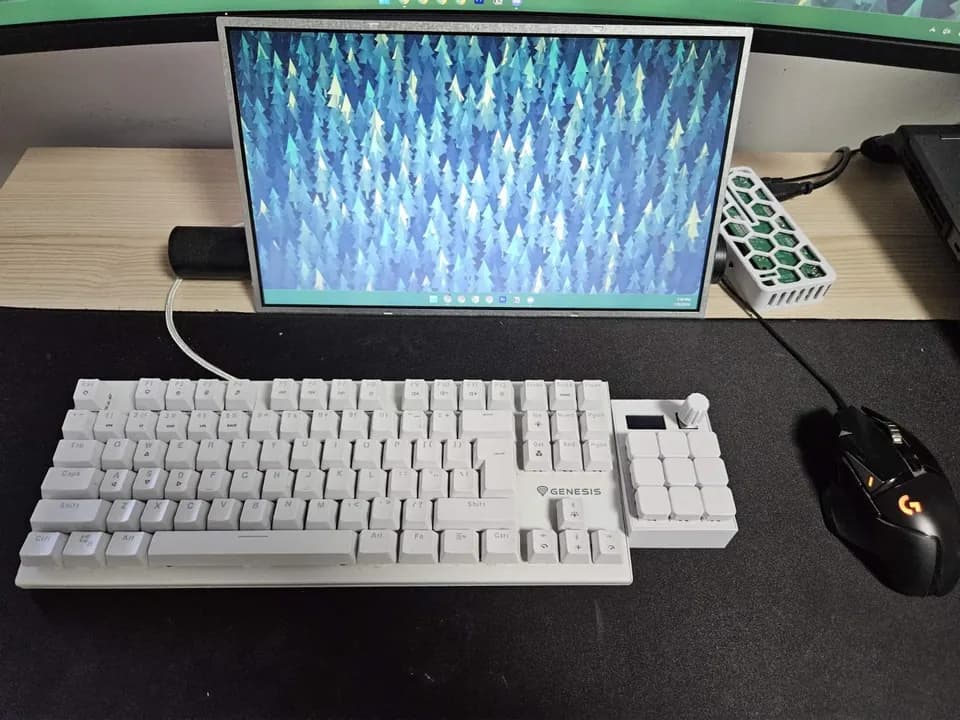
MacroKeyboard controls volume, sends keystrokes, and displays real-time info.
The project addresses the need for a multifunctional tool that combines input devices, such as keypads and rotary encoders, with visual feedback on an OLED screen. It offers a compact solution for custom keyboard shortcuts, system information display, and media control, enhancing productivity and user interaction.
Key features
- 01
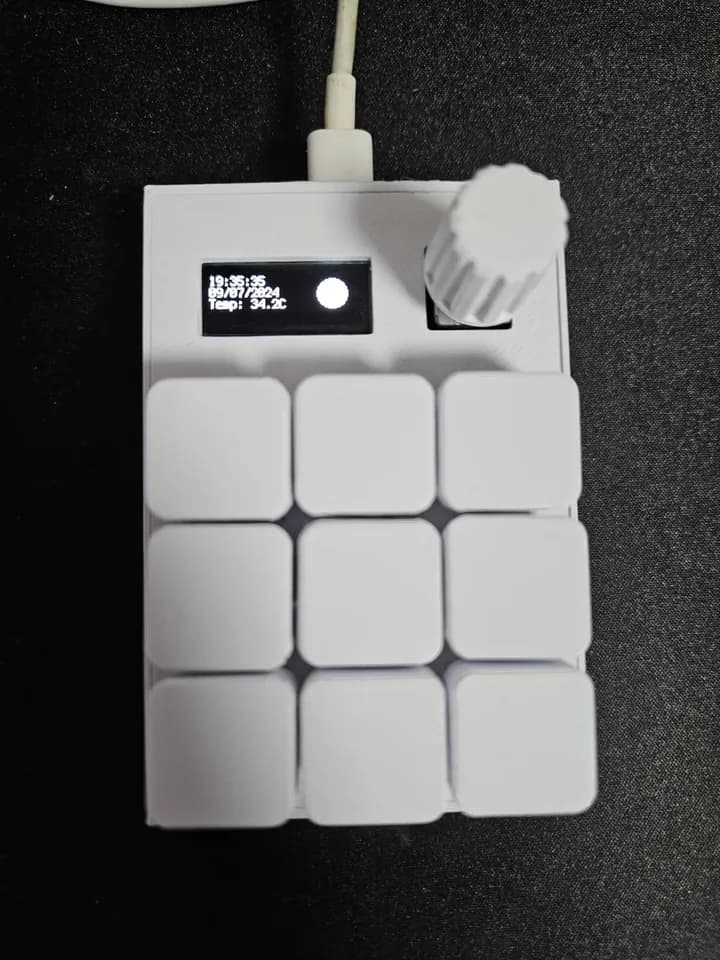
Custom Keypad Interface: Program each key to perform specific actions like sending keystrokes or launching apps.OLED Display: Shows real-time data (e.g., time, temperature) and includes a Dino game.
- 02
Volume Control: Adjust the system volume using a rotary encoder with mute functionality.
- 03
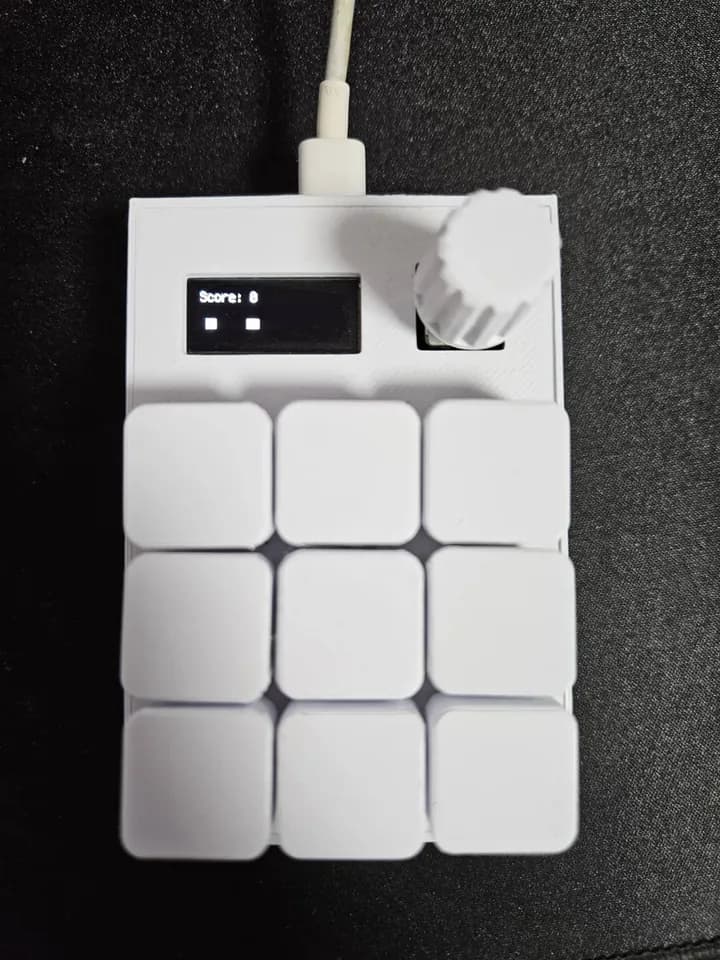
Dino Game: A simple game displayed on the OLED and controlled via the keypad.